
Facilities managers and sign companies often hit a wall when general ADA sign rules meet courtroom-specific spaces. How do you sign a jury room? What about a clerk's window or a security checkpoint? The rules exist, but applying them correctly takes real know-how.
This guide breaks down courthouse compliance requirements, the sign types you need, common mistakes to avoid, and how to source signage that holds up under DOJ scrutiny.
Key Takeaways
- Courthouses fall under Title II of the ADA, applying regardless of building size or staff count
- Every permanent room (courtrooms, clerk's offices, restrooms) needs tactile, Braille-inclusive signage
- Non-compliance risks include DOJ enforcement, private lawsuits, and costly remediation timelines
- A reliable ADA signage partner reduces compliance risk and cuts down on rework
What Makes Courthouse ADA Signage Unique
Courthouses aren't private businesses, and that distinction matters more than most people realize.
State and local courthouses fall under Title II, which covers government programs and services. State and local government facilities must provide program accessibility regardless of size.
Federal courthouses answer to a different framework: the Architectural Barriers Act (ABA), which governs federally funded facilities. Mixing up Title II and ABA is one of the fastest ways to get a courthouse sign package wrong.
Spaces That Require Signage
A typical courthouse needs permanent identification in more spaces than most packages plan for:
- Courtrooms and hearing rooms
- Jury rooms and deliberation spaces
- Clerk's offices and filing counters
- Judge's chambers
- Security checkpoints and holding areas
- Public service counters
Functional Designations, Not Names
Courtroom signs must use functional designations like "Courtroom 3," not a judge's name. Judges get reassigned, retire, or move to different courtrooms. A name-based sign means replacing hardware every time personnel changes, which wastes budget and creates compliance gaps during the transition.
Clerk Counter Requirements
Public service counters, like clerk windows and filing desks, need an accessible portion that's either:
- 36 inches long minimum, 36 inches high maximum, with parallel clear floor space, or
- 30 inches long minimum, 36 inches high maximum, with forward approach and knee/toe clearance
The accessible section must run the same depth as the rest of the counter. Alterations get a limited 24-inch exception, but only when a full-size compliant counter would eliminate existing service points.

A 2022 GAO review of 385 federal courthouses found courtroom accessibility still inconsistent across facilities, even as 44% of buildings scored poorly on related condition measures. That spread is why a documented, jurisdiction-specific sign schedule should lock in before production starts.
Core ADA Sign Requirements Courthouses Must Meet
Get the technical specs wrong, and a sign fails inspection no matter how good it looks.
Tactile Characters and Braille
Raised characters must be:
- 1/32 inch minimum raised above the background (this is depth, not letter height)
- Uppercase, sans serif, no italics or decorative fonts
- Between 5/8 inch and 2 inches tall, measured from the baseline
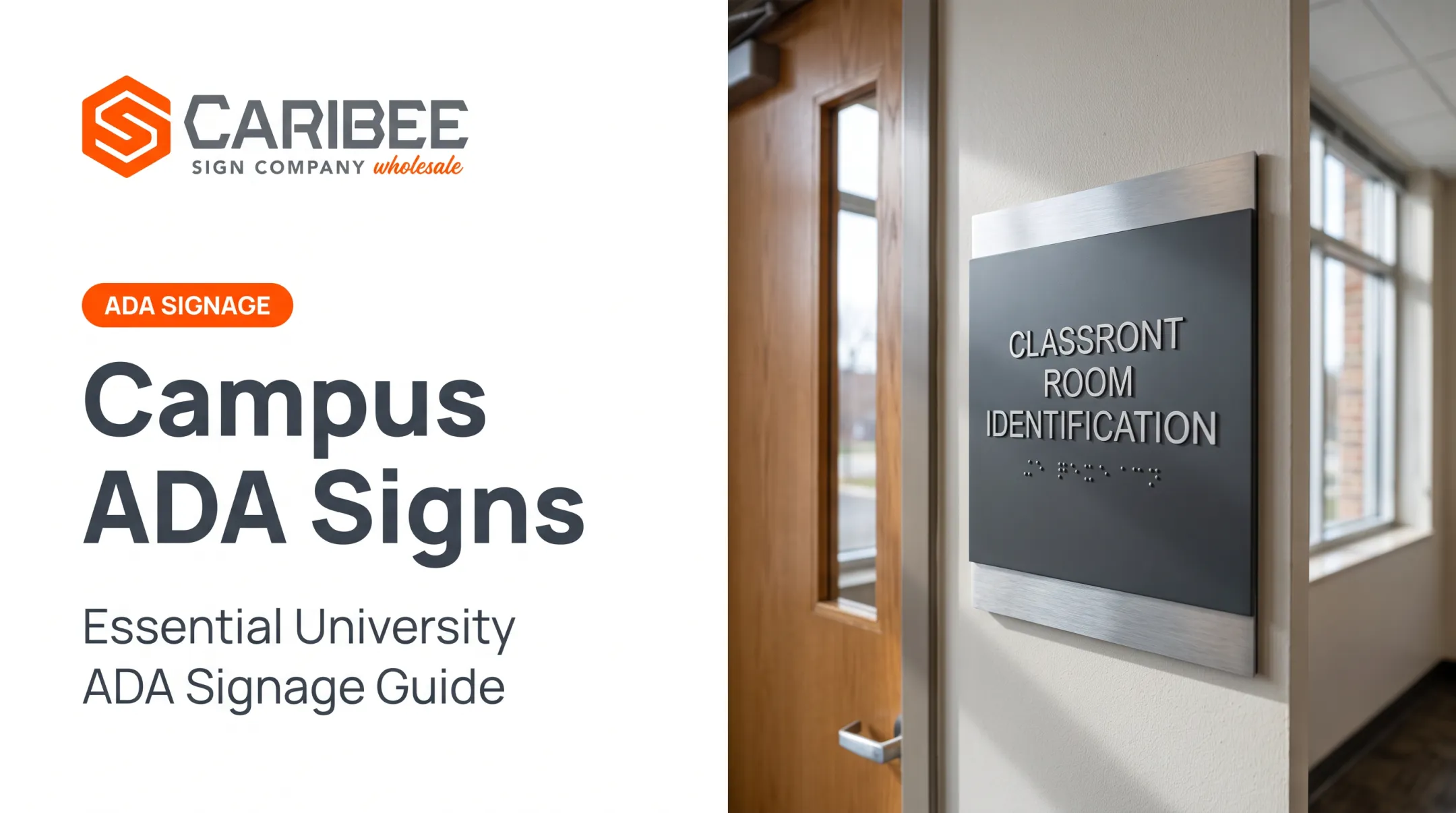
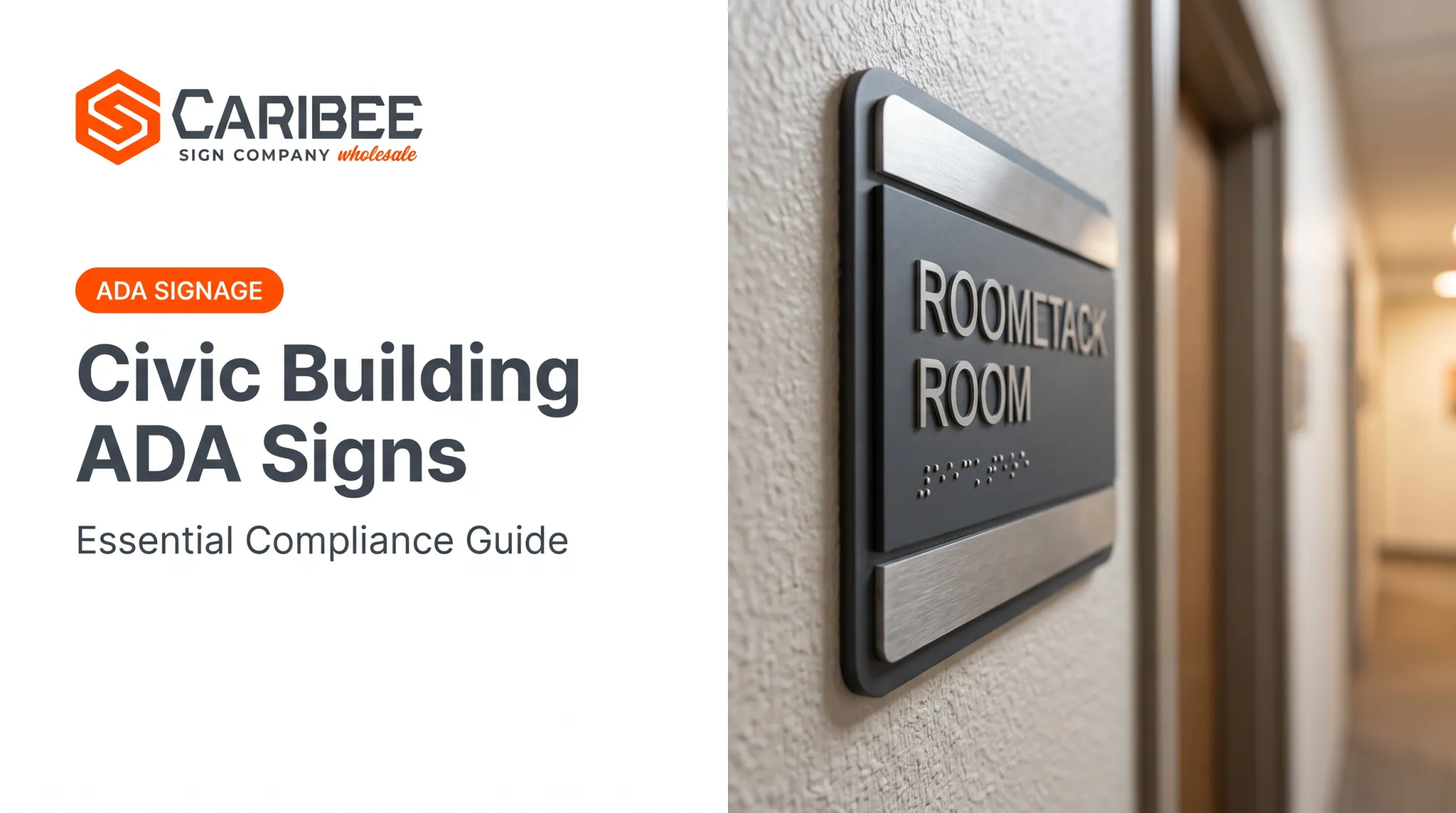
Grade 2 Braille (contracted Braille) sits below the corresponding text, using dome-shaped dots. It duplicates the tactile text rather than replacing it. When text runs multiple lines, Braille goes below all of it—not between lines.
Mounting and Placement
- 48 to 60 inches from finished floor to the tactile baseline
- Mount on the latch side of the door, with clear floor space at the sign
- Keep the same height standard across every building on a courthouse campus

Contrast and Pictograms
Signs need a non-glare finish and strong contrast between characters and background:
- Light characters on a dark field, or dark characters on a light field
- ISA (International Symbol of Accessibility) pictograms for accessible restrooms, entrances, and parking
- A text descriptor paired directly below each pictogram
One overlooked detail: when not every entrance, elevator, or restroom is accessible, directional signs must point visitors to the ones that are. A single accessible restroom on the third floor helps no one who cannot find it from the lobby.
Security Checkpoints and High-Traffic Courthouse Areas
Courthouse security screening creates its own signage challenges that general office buildings never face.
Accessible screening lanes need clear International Symbol of Accessibility (ISA) identification. Where equipment like metal detectors can't accommodate everyone, the accessible route can run adjacent to the screening device. That route has to let someone maintain visual contact with their personal items during screening, the same as anyone going through the standard lane.
Wayfinding needs coverage across the whole path:
- From parking to the building entrance
- Through the security checkpoint
- Into the correct courtroom or office
Skip a link in that chain, and the whole route breaks down for someone using a wheelchair or a service animal.

High-traffic areas don't stop at the checkpoint. Courtrooms and hearing rooms that use audio amplification need assistive listening signage too.
If a courtroom depends on audible communication, and most do, the space needs a sign displaying the International Symbol of Access for Hearing Loss. Courthouses with ticket windows or clerk counters can post this once at the window instead of at every assembly area, which simplifies packages for multi-courtroom buildings.
Common Compliance Mistakes in Courthouse Signage
Even experienced facilities teams trip over the same handful of errors:
- Skipping secondary decision points. Long corridors with jury rooms or side offices branching off often get missed entirely.
- Using judge names instead of functional titles. This forces replacement every time there's a personnel change.
- Incorrect Braille grade or spacing. Improperly recessed Braille fails inspection even when the visual design looks right.
- Inconsistent mounting heights. A campus with multiple buildings built in different decades often has signs at 44 inches in one wing and 58 inches in another.
Documented DOJ settlements back this up. One case involved a restroom sign centerline mounted at 62 inches, above the compliant range, with no Braille at all.
Another involved a sign mounted directly on a door with a hold-open device, so it was not reliably positioned where a visitor could find it. Both failures appear in recorded enforcement outcomes.
Consequences of Non-Compliance for Government Facilities
Here's the part many facilities managers don't fully grasp: Title II offers no "readily achievable" escape hatch.
Private businesses under Title III can sometimes argue that removing a barrier isn't readily achievable given cost or difficulty. Government entities under Title II don't get that defense.
The DOJ's Title II regulations require program accessibility. The only limits are fundamental alteration or undue financial and administrative burden—a much narrower carve-out.
What happens when a courthouse falls short:
- DOJ investigations can lead to consent decrees requiring full sign replacement across an entire campus, often within one to three years
- Private lawsuits let individuals sue government entities directly for accessibility barriers, without waiting for DOJ to act first
- Remediation costs climb when a facility waits for enforcement instead of auditing proactively
The Cedar Rapids and City of Hudson settlements referenced earlier show the pattern: missing Braille, wrong mounting locations, and doors that defeat the sign's purpose. Each required corrective action after the fact, at a higher cost than getting it right during initial installation.
Why Sign Companies Choose a Reliable ADA Signage Partner
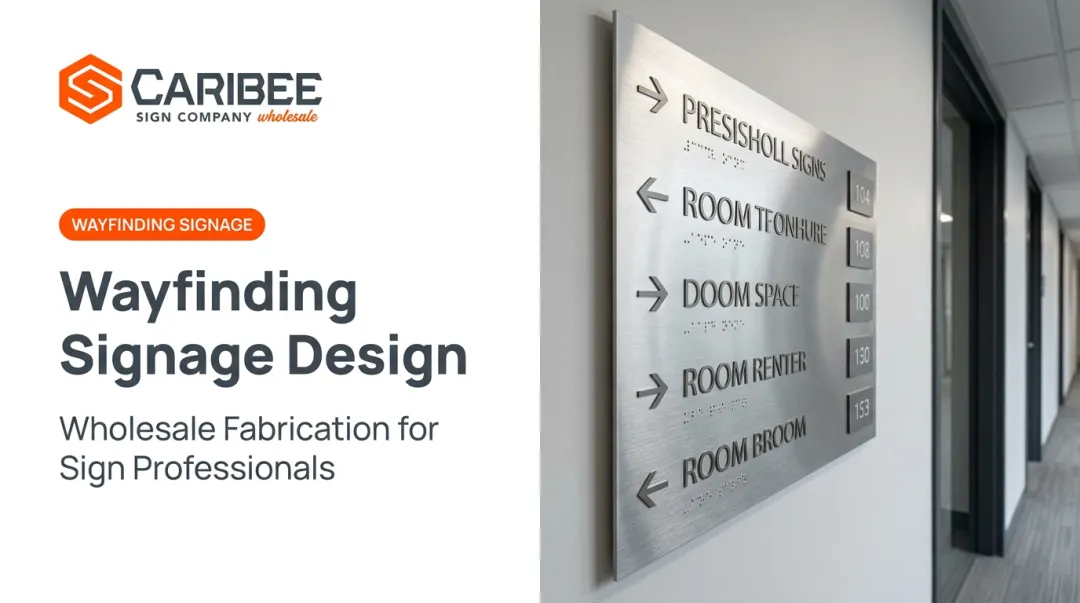
A single courthouse project can involve hundreds of signs spanning courtrooms, jury rooms, clerk's offices, restrooms, and directional wayfinding, often across multiple buildings on one campus. For sign companies managing that scope, the manufacturing partner behind the scenes matters as much as the design work in front of the client.
Caribee Sign is built for that role. The company manufactures ADA signage in-house, including raised tactile characters and Grade 2 Contracted Braille, using CNC routing, laser engraving, and precision fabrication.

In-house Braille translation comes standard with every order, so sign companies don't have to source Braille copy separately. On large packages, that saves real time.
For trade partners juggling multi-building government contracts, a few things matter most:
- Quote turnaround typically within one business day
- Volume pricing for large or multi-site sign packages
- Consistent production quality across hundreds of identical or near-identical signs
- Nationwide shipping from Caribee's St. Louis facility
Hugh Welch of Hugh-Carolina Sign Co. describes Caribee as his company's go-to partner for ADA signage, citing responsiveness and consistent quality. That dependable relationship matters most when a courthouse project has a hard deadline and zero room for a reorder due to a Braille spacing error.
Frequently Asked Questions
How do I make courthouse ADA signs compliant?
Compliant signs need raised tactile characters, Grade 2 Braille below the text, mounting height of 48–60 inches AFF, non-glare contrast finishes, and latch-side placement at doors.
Do courthouse ADA signs need to be all caps?
Raised tactile characters must be uppercase. Visual (non-raised) characters can be upper or lowercase.
What are examples of courthouse ADA-compliant restroom signs?
A compliant restroom sign includes tactile "RESTROOM" text in uppercase, Grade 2 Braille below it, and an ISA pictogram where applicable. Contrast and non-glare finish are required throughout.
What does ADA stand for in courthouse signs?
ADA stands for the Americans with Disabilities Act. It sets accessibility standards, including signage requirements for courthouses and other public facilities.
Are courthouses required to have ADA signs even if they're historic buildings?
Historic exemptions are narrow and apply only to accessible routes, entrances, and toilet facilities when compliance would threaten historic significance. Signage itself isn't covered by this exception, so most historic courthouses still must comply.