
This scenario plays out daily in hospitals, corporate campuses, universities, and malls. A well-designed wayfinding system prevents it.
Wayfinding is often mistaken for signage alone, but it's a broader strategy combining visual cues, technology, and legally required design elements. This article covers what wayfinding systems actually are, the types and components that make them work, and why ADA compliance isn't optional for the signs holding the whole system together.
Key Takeaways
- Wayfinding unifies signage, maps, and environmental cues into one coordinated system
- Four core sign types (directional, informational, identification, regulatory) work together as a complete system
- ADA compliance is legally required for most identification and regulatory signage, not a design preference
- Effective implementation starts with a space audit, followed by consistent design standards and real-world testing
What Is a Wayfinding System?
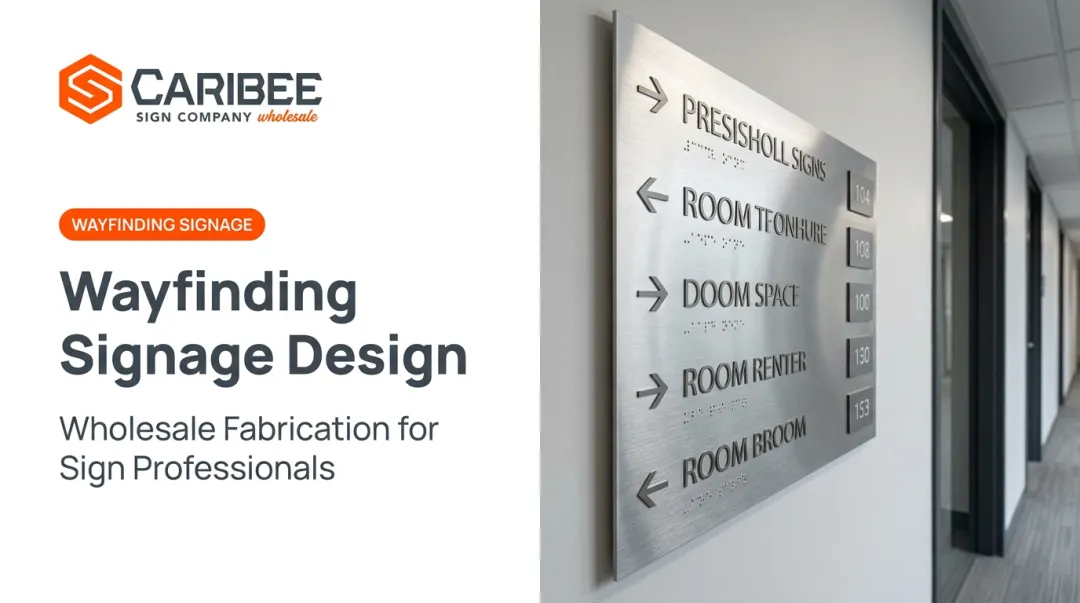
Wayfinding is the combination of signage, maps, technology, and environmental design that helps people answer three questions: Where am I? Where do I need to go? How do I get there?
Signage is one tool inside that system, not a substitute for it. The Society for Experiential Graphic Design (SEGD) makes this distinction directly, noting that wayfinding spans architecture, lighting, and technology alongside signage. It is the full experience of navigating a built environment, not just the placards on the wall.
The concept has real roots. Urban planner Kevin Lynch introduced the idea of environmental "legibility" in his 1960 book The Image of the City, arguing that people navigate using landmarks, paths, and nodes. Romedi Passini expanded on this in 1984, framing wayfinding as a form of spatial problem-solving involving decision-making and information processing.
Many designers still describe the visitor experience as a rough sequence: get oriented, decide on a route, monitor progress along the way, and confirm arrival at the destination. It's a useful mental model, even if it's more practitioner shorthand than formal doctrine.
Facilities that rely most heavily on formal wayfinding systems include:
- Hospitals and medical centers
- University and college campuses
- Shopping malls and retail centers
- Airports and transit hubs
- Corporate offices and multi-tenant buildings
These environments share one trait: scale and complexity that overwhelm intuitive navigation.
Why Wayfinding Systems Matter for Businesses and Facilities
Poor wayfinding has measurable costs beyond simple inconvenience. A 2025 survey of 301 U.S. hospital staff found that 57% reported frustration tied to helping lost visitors, and 44% experienced incivility from people frustrated by navigation failures, according to research published through the Center for Health Design.
The same study extrapolated the national staff-hour cost of ineffective wayfinding to the equivalent of over 51,000 full-time positions.
For businesses, the practical upside of a good system is straightforward:
- Fewer staff interruptions spent giving directions
- Faster, safer emergency egress
- Higher visitor and patient satisfaction scores
- Reduced liability exposure tied to accessibility gaps
Types of Wayfinding Systems & Signage
Wayfinding systems fall into two categories: by what each sign does, and by the technology behind it.
The Four Core Sign Categories
Most wayfinding programs are built from four functional sign types:
- Directional signs point toward a destination using arrows, distances, or estimated travel time
- Informational signs provide context (hours, amenities, facility maps) without pointing to one specific place
- Identification signs label a room, gate, or space to confirm arrival (this category carries the heaviest ADA and Braille requirements)
- Regulatory signs communicate safety rules, code requirements, and accessibility notices

Caribee Sign manufactures all four categories for trade partners, from hospital patient-navigation and campus directional signs to room ID signs, evacuation route markers, and fire safety signage. ADA compliance is built into the production process rather than added afterward.
Static vs. Digital Wayfinding Systems
Static signage doesn't need power, doesn't fail during outages, and rarely needs maintenance. Digital wayfinding (kiosks, interactive directories, real-time updates) adds flexibility for spaces where destinations change often, such as retail centers with rotating tenants.
SEGD recommends using digital tools like kiosks where they reduce the need for excess static signage, while keeping static systems as the reliable backbone wherever digital isn't practical or accessible.
Most modern venues run a hybrid: digital directories for flexibility, static signage for permanence and code compliance. ADA-required tactile and Braille signage must remain physical. No digital display can substitute for the raised characters required at room entrances.
Indoor vs. Outdoor Wayfinding
Interior wayfinding guides people through buildings and campuses where GPS often fails. Outdoor or urban wayfinding relies on streetscapes, landmarks, and transit nodes instead.
Facilities that span both environments, such as hospital campuses with parking structures and multiple buildings, typically need a separate design strategy for each.
How Wayfinding Systems Work: Key Components
Effective wayfinding leans on a few foundational anchors that help people build a mental map of their surroundings.
Landmarks, paths, and nodes, drawing on Kevin Lynch's framework, give people reference points:
- Landmarks are distinct, memorable features (a fountain, a mural, a unique building facade)
- Paths are the routes people travel repeatedly
- Nodes are decision points (intersections, lobbies, elevator banks) where a choice must be made
Beyond physical anchors, maps, directories, and kiosks help visitors form that mental model before they start moving:
- Maps show the overall layout at a glance
- Directories list destinations and preview the space from the entrance
- Kiosks combine both functions at entrances and major junctions
Mobile integration builds on the same idea. QR codes on static signage let visitors open interactive maps on their phones and keep navigating without a fixed kiosk nearby. Facilities keep reliable physical signs while adding digital flexibility, without installing screens throughout the building.
Why ADA Compliance Is Non-Negotiable in Wayfinding Systems
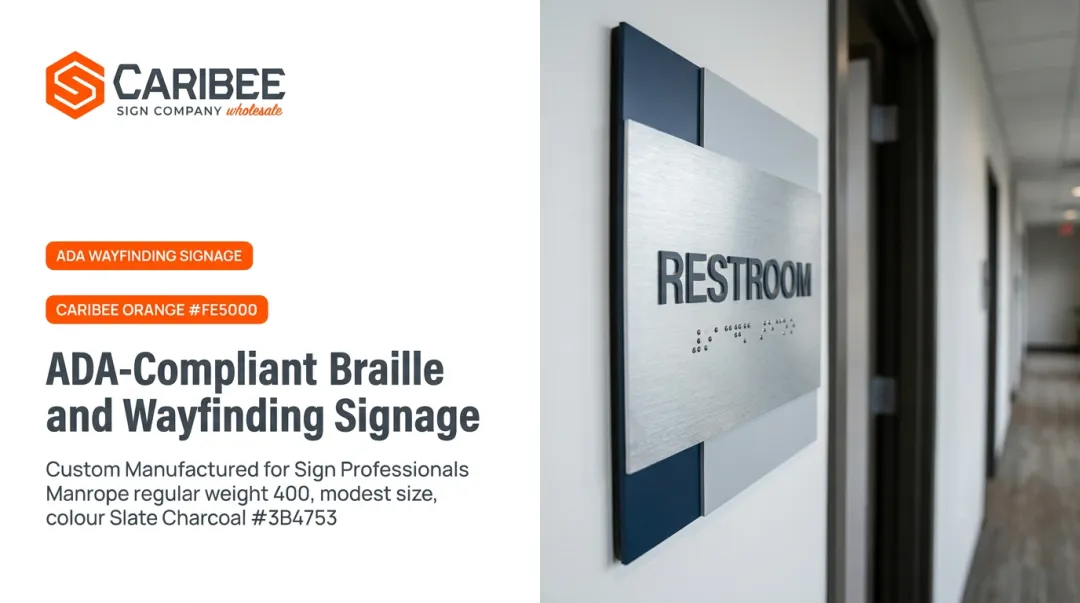
Under ADA Standards Chapter 703, permanent room and space identification signs require raised tactile characters paired with Grade 2 Braille. The U.S. Access Board's guide to Chapter 7 signs lays out exact specifications:
- Tactile character baseline: 48 inches minimum to 60 inches maximum above the floor
- Mounting location: typically the latch side of the door, with an 18x18-inch clear floor space
- Finish: non-glare, with light-on-dark or dark-on-light contrast
- Pictogram fields: 6 inches minimum height, with raised and Braille descriptors below

These rules apply directly to identification and regulatory signage, the same signs that confirm arrival and communicate safety rules throughout a wayfinding system.
The financial risk of getting it wrong is real, even if exact settlement figures vary by case. Older Department of Justice agreements have required businesses to retrofit accessible parking, entrance, and restroom signage alongside broader compliance penalties. That retrofit path costs far more than designing correctly the first time.
Why Partner With a Specialized ADA Signage Manufacturer
Interpreting Chapter 703 in-house is where many sign companies run into trouble. Mounting height gets miscalculated, the wrong Braille grade is used, or contrast ratios fail inspection.
This is where a manufacturing partner like Caribee Sign fits in. Caribee has produced ADA-compliant signage for over 60 years from its St. Louis facility, and its production process handles compliance details that are easy to miss:
- In-house Braille translation to Grade 2 standards, so sign companies don't need to source or verify Braille copy themselves
- CNC routing and laser engraving for consistent character sizing, spacing, and tactile depth across every order
- One-business-day quote turnaround on wholesale orders, with no minimum order quantity
- Compliant material options, including a virtually limitless range of substrates, including architectural films, high-pressure laminates, metal surfaces, aluminum composites, engraving plastics, acrylics, and more, produced to the same standard regardless of order size
Hugh Welch of Hugh-Carolina Sign Co. said: "They're our 'go-to' company for all of our ADA signage needs... they deliver high-quality products that meet all requirements." For sign companies juggling multiple client deadlines, that consistency removes a significant point of risk from the production process.
Best Practices for Planning & Implementing a Wayfinding System
A successful wayfinding system depends on sequencing the work correctly from the start, not on ordering signs first.
- Audit the space first. Catalog every destination, decision point, and accessibility constraint before designing a single sign.
- Establish a consistent design system. Lock in naming conventions, icons, typography, and color so every touchpoint feels unified.
- Test with real users after installation. Watch where people hesitate or backtrack, then revise based on what actually confuses them.
Skipping the audit is the most common mistake. Facilities that jump straight to sign design often end up retrofitting the whole system within a year because they missed a key decision point or accessibility requirement.
These planning steps matter most in environments where scale and regulation raise the stakes.
Common Industries That Rely on Wayfinding Systems
A handful of sectors depend on formal wayfinding more than others, largely because of scale and regulatory exposure:
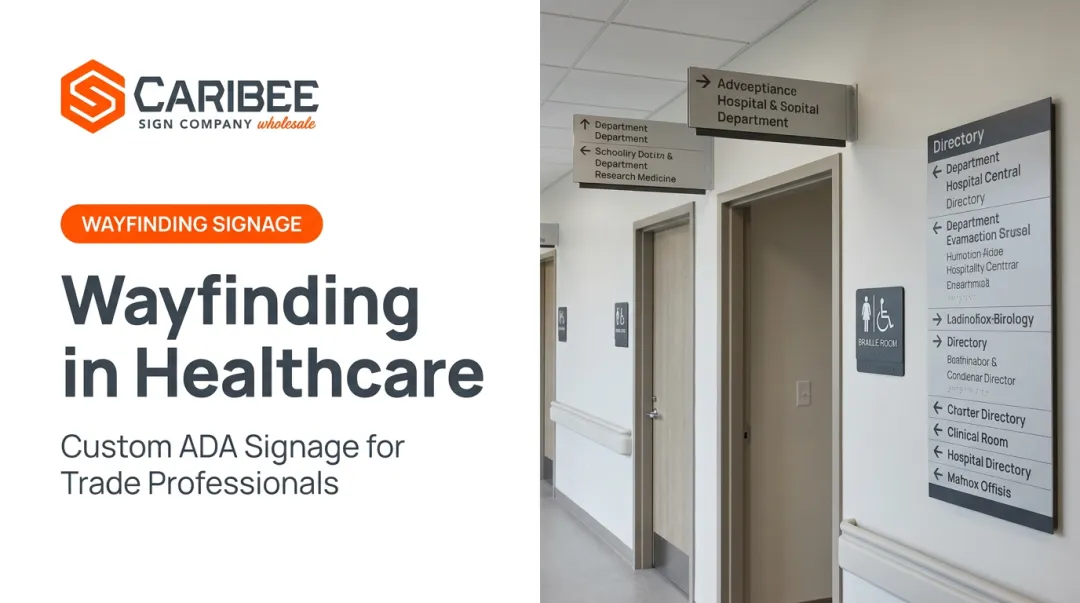
- Healthcare: patient navigation and hospital wayfinding, where confusion carries real costs for staff and patients
- Higher education: sprawling campuses with dozens of buildings and inconsistent naming
- Retail and malls: high foot traffic with frequently changing tenants
- Corporate campuses: multi-building offices with visitor and employee navigation needs

ADA-compliant signage is required in all of these sectors, not only in healthcare or education.
Frequently Asked Questions
What does wayfinding mean?
Wayfinding is the strategic combination of signage, maps, and environmental cues that helps people orient themselves and navigate physical spaces. It's distinct from signage alone, which is just one tool within the broader system.
What are the different types of wayfinding systems?
Wayfinding systems typically use four sign categories: directional, informational, identification, and regulatory. Those signs work with maps and environmental cues to help people move through a space.
What is the difference between wayfinding and signage?
Signage is a physical tool: a sign on a wall. Wayfinding is the broader strategy that includes signage plus architecture, lighting, mapping, and environmental cues working together to guide people.
Are wayfinding signs required to be ADA compliant?
Most identification and regulatory signs must meet ADA Standards for tactile characters, Grade 2 Braille, mounting height, and contrast. Directional and informational signs have separate visual requirements but generally don't need to be tactile.
How much does a wayfinding system cost?
Costs vary widely based on venue size, sign types, materials, and overall project scope. Consulting a signage manufacturer directly for a custom quote gives the most accurate estimate for a specific project.
What industries use wayfinding systems most?
Healthcare, higher education, retail and malls, and corporate campuses rely on formal wayfinding systems most heavily due to their scale and visitor complexity. ADA-compliant signage is a requirement across all of these sectors.