
This scene plays out daily in hospitals, campuses, and corporate buildings across the country. As facilities grow larger and more complex, the need for clear, non-emergency signage grows with them. A 2025 survey of 301 U.S. hospital staff found each employee spent roughly 31.82 minutes per week helping people find their way, with 57% reporting the constant interruptions as frustrating and 44% experiencing incivility from lost, agitated visitors, according to research summarized by the Center for Health Design.
This guide breaks down what general information signs are, the three main types businesses and sign companies rely on, and how to pick the right one for any space.
Key Takeaways
- General information signs share neutral details like location and hours, never warnings or rules
- Three core types exist: wayfinding, room identification, and operational signs
- The correct type depends on visitor location: entry, decision, or destination point
- Permanent room signs often require ADA tactile characters, Braille, and set mounting heights
- Matching sign type to location reduces confusion and keeps facilities compliant
What Are General Information Signs?
General information signs communicate neutral, everyday details: directions, room identification, hours of operation, policies, or facility layout. They don't warn of hazards, and they don't enforce behavior the way a "No Smoking" or "Authorized Personnel Only" sign does.
That distinction matters because it separates them from hazard-communication signage entirely. OSHA's 29 CFR 1910.145 organizes accident-prevention signs into danger, caution, and safety-instruction categories, all built around risk. General information signs sit outside that framework completely. They orient people; they don't protect them from immediate harm.
Two Different Contexts, One Shared Purpose
The term "general information sign" actually shows up in two separate worlds:
| Context | Examples |
|---|---|
| Roadways | MUTCD's green I-series signs marking state lines, airports, and service facilities |
| Buildings | Directories, room labels, and wayfinding signage inside commercial and public facilities |
This guide focuses on the building context, since that's where most sign companies and facility managers spend their time. The U.S. Access Board's guide to the 2010 ADA Standards separates building signage into three practical categories: permanent room identification, directional signs, and general information signs like hours and conduct rules. This framework is detailed in the Access Board's Chapter 7 signage guide.
Why does the distinction matter beyond legal categorization? Missing or unclear informational signage doesn't just annoy visitors. It pulls staff away from their actual jobs, creates accessibility compliance gaps, and, as the hospital staff survey above shows, produces measurable operational drag at scale.

Types of General Information Signs
General information signs aren't one-size-fits-all. Different types address different moments in a visitor's journey, and different information needs. Most facilities use all three types together, but understanding what each one does helps you specify the right sign for the right spot instead of guessing.
Directional & Wayfinding Signs
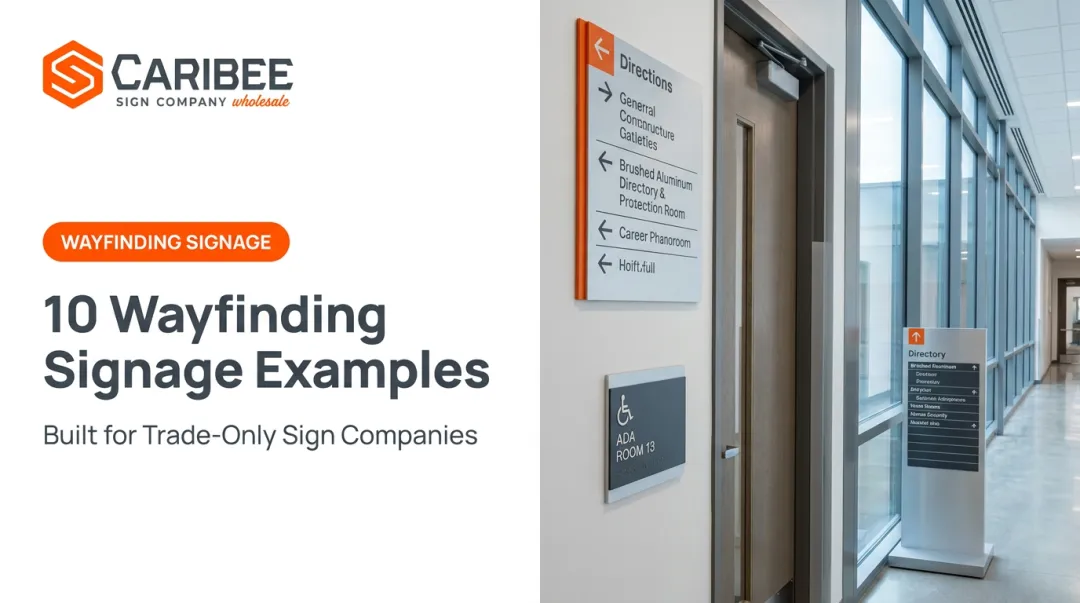
These signs use arrows, distances, and destination names to guide movement. They're placed at decision points, hallway intersections, lobbies, elevator banks, wherever someone needs to answer the question "how do I get there?"
What sets them apart is movement-oriented messaging. Unlike a static label, a wayfinding sign is built around direction and distance, not identity.
Best suited for: multi-floor buildings, hospitals, campuses, and transit hubs with complex layouts, along with facility managers and sign companies serving large or multi-building sites.
The upside is real: consistent wayfinding reduces staff time spent giving directions and lowers visitor frustration, especially in large facilities. The catch is that terminology has to stay consistent across directories and directional signage. If the lobby directory says "East Wing" and the hallway sign says "Building B," confusion goes up instead of down.
Identification & Room/Location Signs
This sign type marks specific rooms, offices, or areas using names, numbers, or functions. They're mounted at or beside the destination itself, confirming arrival rather than pointing the way there.
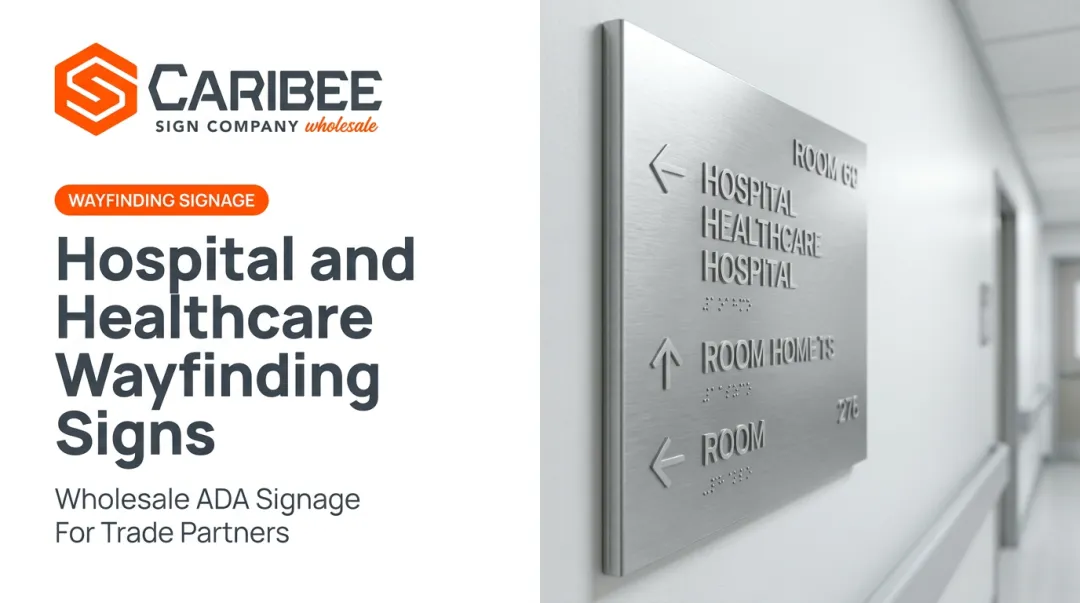
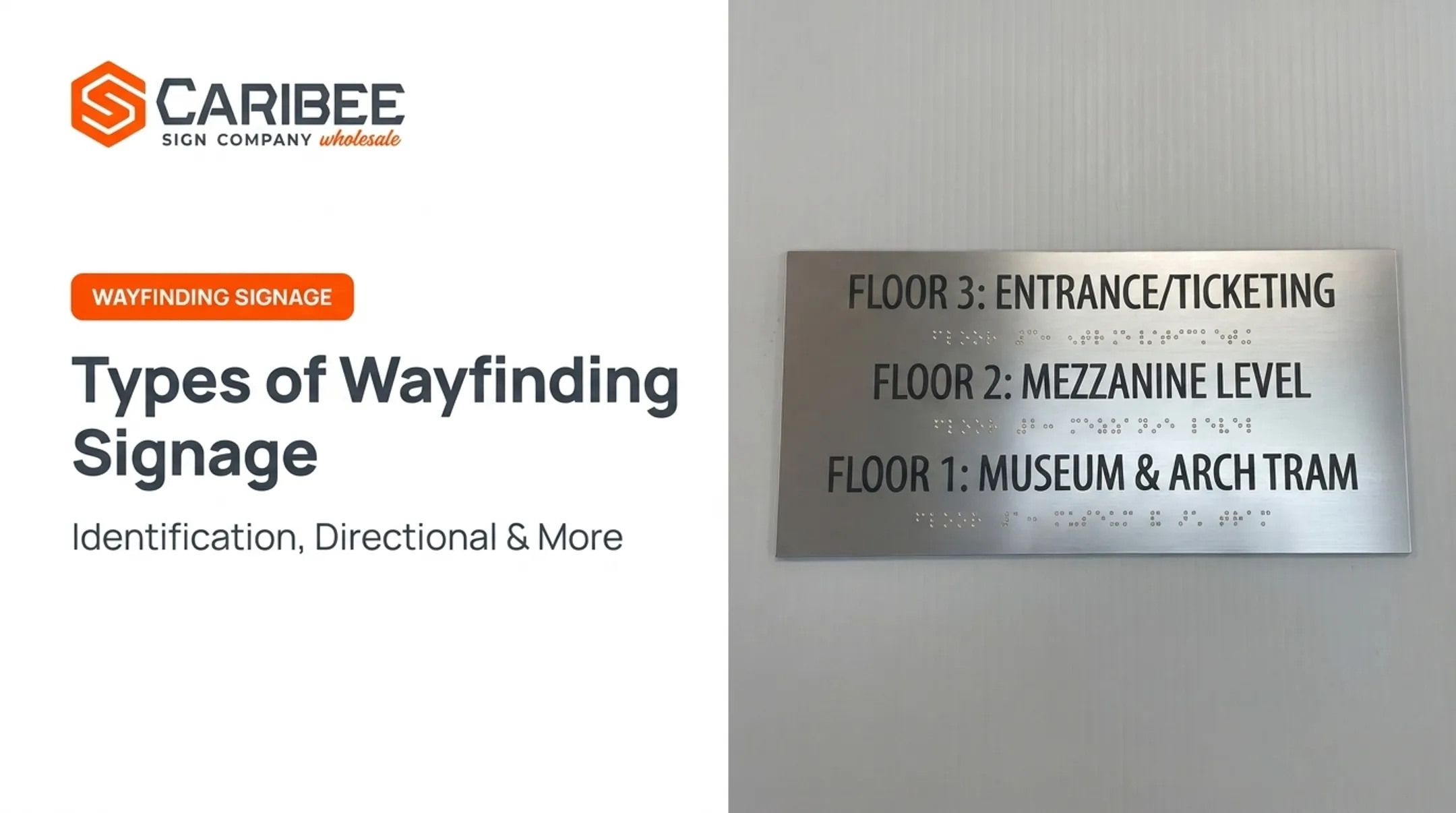
This is a static category, not a movement guide, and it's the one most often tied to legal accessibility requirements. Signs identifying permanent rooms and spaces need tactile characters; purely directional or informational signs generally don't.
Best suited for: permanent office, restroom, and conference room labeling in commercial and public buildings, especially for businesses and sign companies needing long-term, code-compliant labeling systems.
ADA compliance specifics for permanent room signs, per the Access Board's Chapter 7 standards, include:
| Requirement | Standard |
|---|---|
| Raised characters | At least 1/32 in. above background, 5/8–2 in. high |
| Braille | Grade 2 (contracted), positioned below text |
| Mounting height | 48–60 in. above finished floor |
| Door placement | Latch side of the door |
| Finish | Non-glare, high contrast (light-on-dark or dark-on-light) |

Durable identification reduces wrong-door interruptions and keeps buildings compliant. The limitation is timing: added cost and lead time show up when compliance specs aren't planned for early.
This is exactly where working with an ADA-specialist manufacturer helps. Caribee Sign, for instance, handles Grade 2 Braille translation in-house on every applicable order, so sign companies aren't scrambling to source Braille copy or double-check character heights mid-project.
General Facility & Operational Information Signs
This category covers facility-wide details: hours of operation, directories, floor plans, capacity limits, or visitor policies. They're placed at entry points and lobbies, orienting people before they choose a path.
The scope is what separates this type. It's broader than a single route or room, covering policy and operational context instead.
Best suited for: lobbies, entrances, and shared spaces where first impressions matter most, as well as multi-tenant buildings, schools, and retail centers needing centralized information.
The strength here is consolidation. One directory can replace a dozen individual signs. The trade-off is maintenance. Hours change, tenants move out, capacity limits get updated, and a static sign becomes outdated fast unless it's built with an updatable format in mind.
How to Choose the Right Type of General Information Sign
The right type depends on where someone stands in their journey through your facility, not on which sign looks nicest in the lobby. Run through these factors before specifying anything.
- Identify the exact question the sign must answer. "Where am I," "how do I get there," and "what's the policy here" all require different sign types.
- Map the location in the visitor journey. Entry points call for general facility information. Decision points need directional signage. Destinations need identification signs.
- Determine compliance requirements early. If a sign marks a permanent room, it likely needs ADA-compliant tactile features. Figuring this out late in the process adds cost and lead time.
- Account for scale and traffic volume. A small office might need a single directory. A hospital or university campus typically needs a full system combining directories, wayfinding, and identification signs.
- Match material to exposure. Indoor vinyl or acrylic works for interior applications; outdoor signage needs UV-resistant substrates built to handle wind, sun, and moisture over years, not months.
- Plan for long-term flexibility. Information that changes often, like hours or tenant directories, should use sign holders or insert systems rather than fixed, one-time printed panels.
Pro tip: The compliance factor above trips up more projects than any other. If you're quoting a job with permanent room identification, confirm ADA requirements at the estimate stage — before fabrication starts — to save time and avoid rework.

Common Mistakes to Avoid When Selecting Information Signs
Even experienced sign companies run into the same handful of pitfalls when specifying general information signage. Watch for these:
- Overcomplicating simple signage. A decorative, custom-fabricated sign costs more and takes longer to produce than a simpler, code-compliant label that does the same job.
- Overlooking ADA requirements until late. Missing tactile character specs or Braille grade means costly rework after a failed inspection; partnering with an ADA specialist like Caribee Sign catches these details before production starts.
- Skipping maintenance planning. Installing a fixed, non-updatable directory in a building with regular tenant turnover guarantees an outdated sign within a year.
- Mixing terminology across sign types. If your directory says "Suite 200" and your wayfinding sign says "Room 200," visitors notice the inconsistency immediately, and it undermines the whole system.
These mistakes share a common thread: they all stem from treating signage decisions as an afterthought rather than a planned part of the project. A quick compliance check and a consistent naming convention across every sign type solve most of them before they become expensive problems.
Conclusion
General information signs do quiet, essential work. They help people navigate and understand a facility without alarm and without restricting behavior. Directional signs answer "how do I get there," identification signs confirm "you've arrived," and general facility signs orient people before they choose a path at all.
Each type serves a distinct moment in a visitor's journey, and each carries its own compliance considerations, particularly identification signs tied to permanent rooms. Understanding these differences, and planning for ADA requirements early, helps businesses and sign companies select signage that's functional and code-compliant from the start. Caribee Sign manufactures each type to ADA standards, giving trade partners a dependable resource for that work.
Frequently Asked Questions
What are general information signs?
They're neutral, non-emergency signs that communicate location, direction, or facility details rather than hazards. On roadways, this refers to the Manual on Uniform Traffic Control Devices (MUTCD) green I-series signs; inside buildings, it means directories, room labels, and wayfinding signage.
What are some examples of informational signs?
Common examples include room number plates, building directories, hours-of-operation postings, and wayfinding arrows. Roadway examples include state line markers and rest area signs.
What are the four types of signs?
This usually refers to broad safety and regulatory categories, such as danger, warning, caution, and notice signs, not general information signs. General information signage falls outside that hazard-focused framework entirely.
What are the 5 main safety signs?
The five hazard-focused categories are prohibition, mandatory, warning, emergency/rescue, and fire safety signs. These all address risk, unlike general information signage, which stays neutral.
Do informational signs need to be ADA compliant?
Identification signs marking permanent rooms, like offices and restrooms, typically require ADA features such as raised characters, Grade 2 Braille, and specific mounting heights. Directional and general facility signs usually don't unless they mark a permanent space.
What colors are used for general information signs?
Roadway general information signs use MUTCD's standard white-on-green format. Indoor signs aren't tied to a specific color code. They should use high-contrast, non-glare finishes, like dark text on a light background, to stay legible and distinct from safety signage.