
That distinction matters more than it sounds. For sign companies and the businesses they serve, getting braille wrong on ADA-required signage isn't a minor detail. It's a compliance failure.
A single incorrect dot pattern, wrong grade of braille, or misplaced sign can trigger:
- Failed building inspections
- ADA accessibility complaints
- Costly reprints and rework
- Delayed project timelines for entire buildings
This guide breaks down how braille actually works, the alphabet and grade system behind it, and the exact ADA specifications your signage needs to pass inspection the first time.
Key Takeaways
- Braille is a tactile code, not a spoken or sign language, built from six raised dots in a 2x3 cell
- ADA-compliant signage requires Grade 2 (contracted) braille, not the simpler Grade 1 form
- Federal ADA standards specify exact dot size, spacing, shape, and mounting height
- Spec-correct ADA braille from a trade manufacturer cuts rework, failed inspections, and project delays
What Is Braille? Understanding the Six-Dot Reading System
Louis Braille developed the foundation of his namesake code in 1824, building on a dot-based system created by Charles Barbier. Before that, blind readers relied on embossed books with raised versions of standard print letters, a method that was slow to read and offered no practical way to write.
Braille's innovation solved both problems with a simple structure: the braille cell.
How the Braille Cell Works
Every braille character sits inside a cell made of two vertical columns of three dots each, numbered 1-2-3 down the left side and 4-5-6 down the right. Different combinations of raised dots within that six-dot grid create different characters. A full cell (all six dots raised) represents the word "for" in contracted braille; an empty cell has no dots raised and marks a space between words.
Six dots arranged across those two columns generate 64 unique combinations, according to the Unicode Standard's Braille Patterns documentation. That's enough to cover the full alphabet, numbers, punctuation, and dozens of contracted word-forms used in everyday braille text.

Is Braille a Sign Language? Clearing Up the Confusion
No. The Braille Authority of North America (BANA) is explicit on this point: braille is a code, not a language. English is the language; braille is simply one way to write it down using touch instead of sight.
This means braille can represent English, Spanish, French, and dozens of other written languages using the same six-dot foundation. The dots change meaning depending on the language being encoded, but the underlying system stays the same.
In the United States, signage and literature now follow Unified English Braille (UEB), adopted as the national standard in November 2012 with a formal implementation date of January 2016. If you're producing ADA signage today, UEB is the code your braille translation needs to follow.
The Braille Alphabet, Numbers, and Grade Levels Explained
The first ten letters of the braille alphabet, a through j, form the building blocks for almost everything else in the system. Each uses some combination of dots 1, 2, 4, and 5.
Here's where it gets efficient: those same ten dot shapes get reused to represent numbers. Add a number indicator (dots 3-4-5-6) directly before one of those letter-shapes, and it becomes a digit instead. So "a" becomes "1," "b" becomes "2," all the way through "j" becoming "0."
Capitalization works on a similar reuse principle: a single dot 6 before a letter capitalizes that letter, and two dot-6 signs in a row capitalize an entire word.
For signage, BANA guidance specifies that capitalization indicators aren't required on braille signs at all, which simplifies translation for room identifiers and labels.
Grade 1 vs. Grade 2 Braille: Why the Difference Matters for Signage
This is where a lot of sign fabricators run into trouble.
Grade 1 (uncontracted) braille spells every word out letter by letter, one braille character per printed character. It's straightforward, but it takes up significantly more space.
Grade 2 (contracted) braille uses roughly 180 contractions and short-form words to compress common terms. Instead of spelling "the" with three separate characters, contracted braille uses a single dot pattern. Common word-parts like "ing" get their own compressed symbol too.
Here's the part that trips up fabricators unfamiliar with accessibility codes: ADA-compliant signage in the US legally requires Grade 2 contracted braille, not Grade 1. A sign produced with letter-by-letter Grade 1 braille, even if every dot is dimensionally perfect, will not pass ADA inspection.

That mandate comes straight from federal accessibility standards, and Grade 1 remains one of the most common reasons finished signs fail inspection.
ADA Braille Sign Requirements: The Specifications Sign Companies Must Know
The 2010 ADA Standards for Accessible Design, Section 703, govern tactile and braille signage for permanent rooms and spaces in public and commercial buildings. If a sign identifies a space like a restroom, office, or exit, Section 703 almost certainly applies to it.
The dimensional requirements are specific, and there's no rounding up or eyeballing it.
Dot Dimensions and Spacing
According to the 2010 ADA Standards published by ADA.gov, Table 703.3.1 sets the following ranges:
| Measurement | Minimum | Maximum |
|---|---|---|
| Dot base diameter | 0.059 in (1.5 mm) | 0.063 in (1.6 mm) |
| Dot height | 0.025 in (0.6 mm) | 0.037 in (0.9 mm) |
| Dot spacing within a cell (center to center) | 0.090 in (2.3 mm) | 0.100 in (2.5 mm) |
| Cell-to-cell spacing, horizontal (center to center) | 0.241 in (6.1 mm) | 0.300 in (7.6 mm) |
| Cell-to-cell spacing, vertical (center to center) | 0.395 in (10.0 mm) | 0.400 in (10.2 mm) |
Mounting Height and Placement
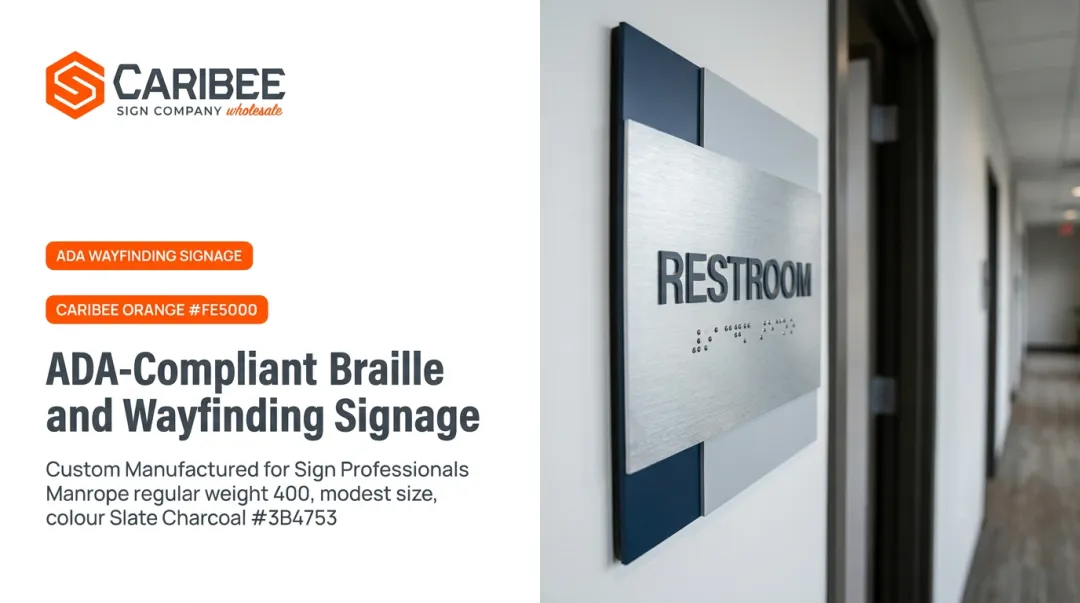
Braille and raised characters must sit in a fixed vertical range. The baseline of the lowest character must be at least 48 inches above the finished floor, and the baseline of the highest character no more than 60 inches above it.
These are baseline measurements, not the edges of the sign panel itself—a distinction that catches a lot of installers off guard.
For door-mounted signs:
- Single doors: mount on the latch side of the door
- Double doors with one active leaf: mount on the inactive leaf
- Double doors with two active leaves: mount to the right of the right-hand door
Shape and Duplication Rules
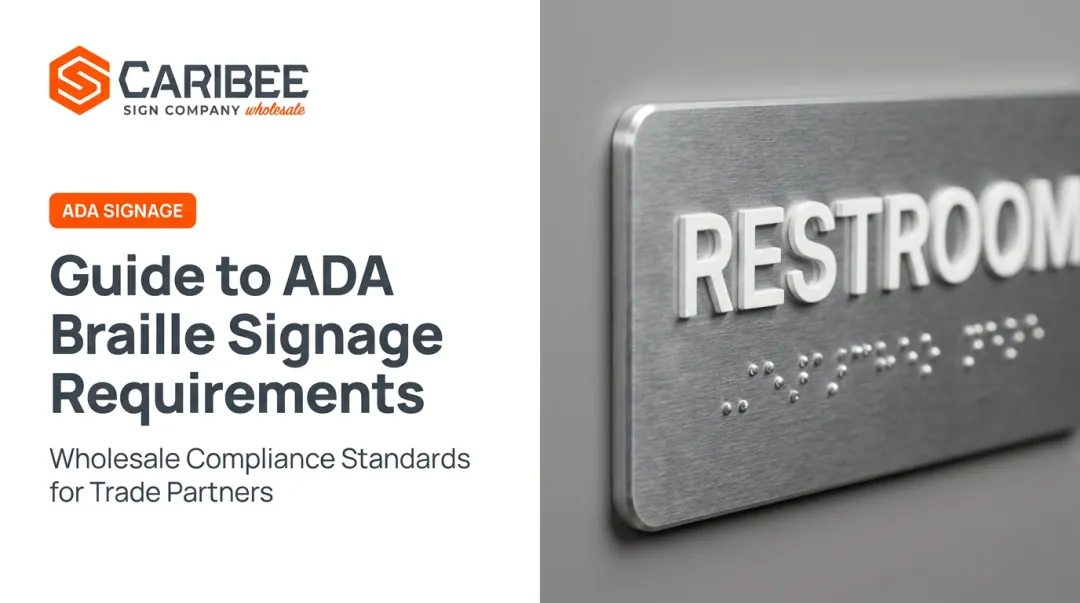
Dots must have a domed or rounded profile, never flat. Flat or printed dots, the kind produced by standard ink printing or basic embossing equipment, don't meet ADA tactile standards because they can't be read accurately by a light, sweeping touch.
Braille must also exactly duplicate the accompanying raised text and sit directly below it (or below the full block of text, if multiline). Always in Grade 2. No exceptions.
That is a lot of precision to get right on every order. Sign companies increasingly lean on manufacturing partners who specialize in it.
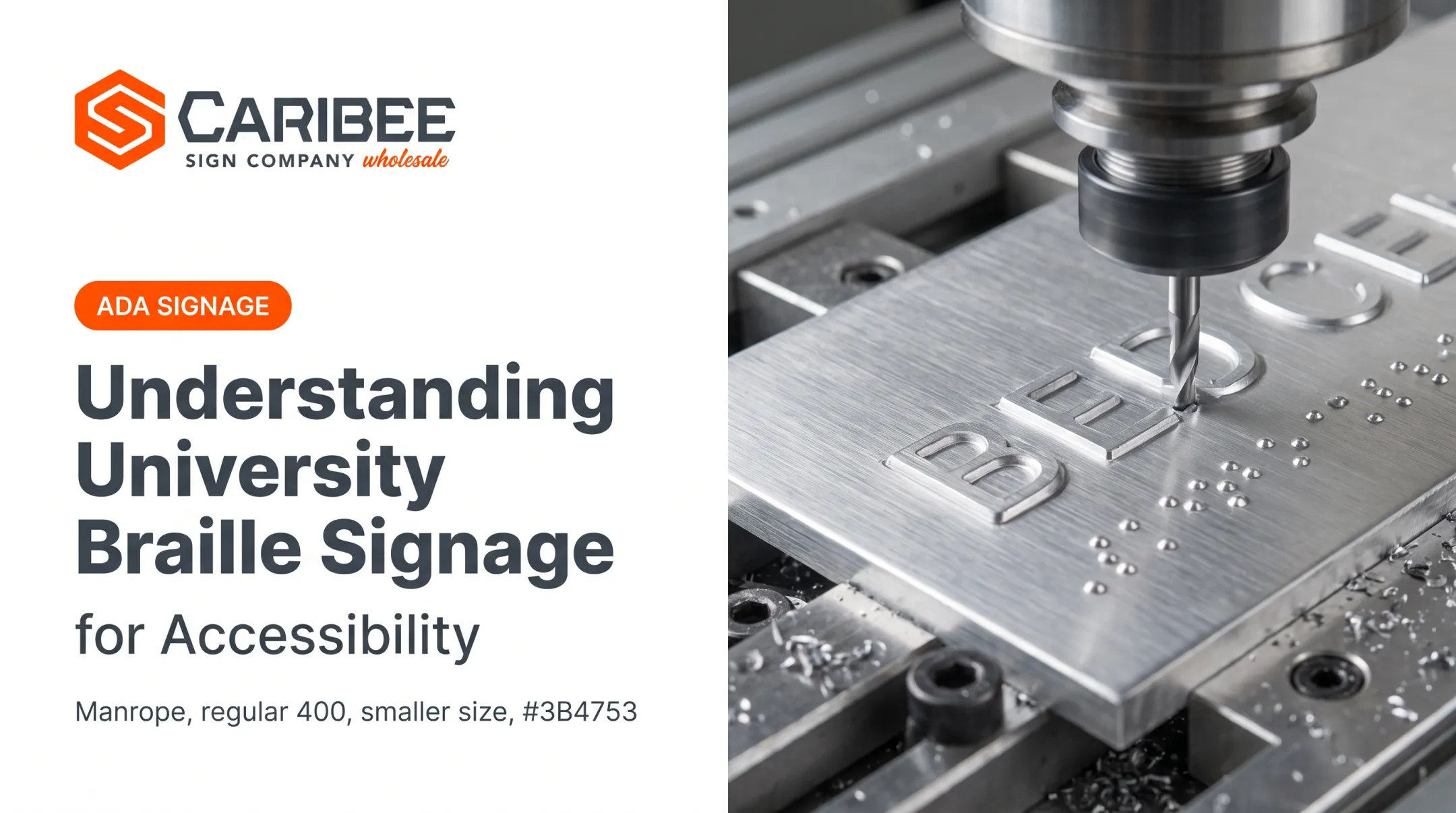
Caribee Sign, based in St. Louis with more than 60 years in the trade, produces braille signage in-house with CNC routing, precision engraving, and laser engraving. Grade 2 translation is handled internally, so partners do not have to source or verify braille copy themselves. Control over dot forming and spacing keeps large multi-sign projects consistent.

Why Accurate Braille Signage Matters
Tactile signage isn't a regulatory formality. For blind and low-vision individuals, it's often the primary way to navigate unfamiliar commercial, healthcare, and public buildings independently.
Accurate braille helps people:
- Find a restroom without asking for help
- Locate a specific office or suite
- Identify an emergency exit under stress
The population relying on this system is substantial. The CDC's Vision and Eye Health Surveillance System estimates that over 7 million Americans live with significant vision loss, and nearly 1.1 million meet the clinical definition of blindness. For those readers, accurate tactile wayfinding can mean confident navigation instead of a frustrating, potentially unsafe experience.
There's a legal dimension too. Noncompliant signage can trigger ADA Title III complaints, and federal courts see thousands of these filings every year. Businesses that treat braille signage as an afterthought expose themselves to that risk unnecessarily, especially when compliant fabrication isn't meaningfully more expensive than getting it wrong the first time.
Common Braille Signage Mistakes to Avoid
Most braille signage problems trace back to one of three root causes. Catching them early prevents failed inspections and costly reorders.
- Installing Grade 1 instead of Grade 2 braille. This is the single most frequent compliance failure. A sign with perfectly formed dots still fails inspection if it's spelled letter-by-letter instead of using required contractions.
- Using incorrect dot height, spacing, or flat printed dots. Standard printing or embossing often can't produce the domed profile ADA requires, so dots may look fine but fail tactile testing.
- Sourcing from vendors unfamiliar with accessibility codes. Inexperienced fabricators frequently miss the Grade 2 requirement entirely or misjudge spacing tolerances, leading to delays, failed inspections, and expensive reorders.
All three problems drop sharply when you work with a manufacturing partner that treats ADA compliance as a core specialty, not a side offering.
Caribee Sign handles Grade 2 translation in-house and provides ADA Compliance Guidelines partners can reference during design. Quote requests typically turn around within one business day, which cuts the back-and-forth that causes specification errors.
Frequently Asked Questions
What do all 6 dots mean in braille?
When every dot in a cell is raised, it forms a "full cell," which represents specific characters or contractions, including the word "for" in contracted braille. It's the densest possible pattern the six-dot system can produce.
Is braille a sign language?
No. Braille is a tactile code, not a spoken or gestural language like ASL. It can represent virtually any written language, including English, Spanish, and French.
What is the difference between Grade 1 and Grade 2 braille?
Grade 1 spells every word out letter by letter. Grade 2 uses roughly 180 contractions and short-form words to save space. ADA-compliant signage requires Grade 2.
How high should braille be placed on an ADA-compliant sign?
The baseline of tactile characters must fall between 48 and 60 inches above the finished floor, typically mounted on the latch side of doors.
Can braille be printed with ink instead of raised dots?
No. ADA compliance requires physically raised, domed tactile dots. Flat or printed braille does not meet federal accessibility standards.
Do all signs in a building need braille under the ADA?
Permanent signs identifying rooms and spaces, like restrooms, offices, or exits, require braille. Some directional or informational signage may be exempt—verify sign type against ADA Section 703 before production.