
It doesn't always. Flat printed signage plays a huge role in wayfinding, informational displays, and as a design layer on compliant signs. But for permanent room identification, federal standards require more.
This guide breaks down where flat printing works on its own, where it needs raised tactile partners, and how to source custom options without guessing on compliance.
Key Takeaways
- Flat print alone does not meet ADA tactile/Braille rules for permanent room signs
- Directional, informational, and temporary signs (7 days or less) can be fully flat printed
- Color, material, size, and finish are customizable—contrast and font rules still apply
- A partner skilled in printing and ADA fabrication lowers compliance risk
What Are Flat Printed ADA Signs?
Flat printed signage refers to digitally or screen-printed graphics and text applied directly to a sign face. No raised characters. No tactile elements. Just ink or comparable print media on a substrate.
These signs serve two distinct roles:
- Standalone informational signs — directories, directional arrows, hours-of-operation notices, and other non-regulated signage
- Design layers on compliant signs — flat printed backgrounds, logos, or color fields combined with raised tactile characters and Braille
Flat printed lettering cannot substitute for raised characters on permanent room identification signs. Restroom signs, office nameplates, stairwell markers, and exit signage all fall under this restriction per the 2010 ADA Standards for Accessible Design.
ADA Requirements That Affect Flat Printed Signage
Where Flat Printing Is Permitted
Not every sign needs tactile elements. Signs providing direction or general information only need to meet visual-character requirements under §216.3; they are exempt from the tactile mandate. This includes:
- Directional signage ("Restrooms →")
- Rules of conduct or hours of operation
- Temporary signs displayed 7 days or less
Pictogram fields on compliant signs are also frequently flat printed, though the pictogram artwork itself still needs to meet visual-contrast standards.
Where Raised Elements Are Still Required
Permanent room signs — restrooms, conference rooms, mechanical rooms, exit stairwells — require raised characters at 1/32 inch minimum depth above the background, plus Grade 2 Braille, regardless of any flat printed design layered underneath.

Key technical requirements:
- Character height: 5/8 inch minimum to 2 inches maximum for tactile characters, measured by the uppercase "I"
- Mounting height: Tactile characters go 48 inches minimum to 60 inches maximum above finish floor
- Contrast: Light-on-dark or dark-on-light with strong visual contrast; no federal numeric ratio, though higher contrast helps low-vision users (Access Board Chapter 7)
- Finish: Non-glare finish is required so flat printed backgrounds don't wash out readability
Font choice matters too. Raised characters must be sans-serif, uppercase, and never italic, script, or decorative. Flat printed text-only signs should follow similar simple styling, even though the federal text doesn't mandate sans-serif for every visual character.
Custom Design Options for Flat Printed ADA Signs
Colors and Finishes
Custom color matching typically starts from Pantone (PMS) codes. Some manufacturers, Caribee Sign included, also accept Matthews and Sherwin-Williams paint codes—useful for multi-location brands that need consistent finishes across sites.
Color-matching realities to plan for:
- Slight color variation can occur between digital proofs and physical print
- Requesting a physical color sample before full production catches mismatches early
- Substrate material changes how color reads: acrylic can create a translucent glow effect, while aluminum or wood gives a flatter, opaque finish
Materials and Substrates
Substrate choice affects durability, cost, and appearance. Common options include:
| Substrate | Strengths | Typical Use |
|---|---|---|
| Acrylic | Optically clear, weatherable, easy to fabricate | Interior signage, backlit or translucent designs |
| Aluminum | Corrosion-resistant, holds flatness outdoors | Exterior and industrial signage |
| Wood/composite | Warm aesthetic, available in two-tone options | Hospitality, branded interiors |
| PVC | Lightweight, rigid, budget-friendly | Interior informational signage |

None of these materials grant compliance on their own. The substrate still has to support the tactile, Braille, and contrast requirements for that specific sign type.
Size, Shape, and Layout
Layout decisions hinge on content: pictogram fields, text rows, and logos all compete for space on a standard sign face. Custom shapes, rounded corners, or branded edge treatments are usually available, though they can add fabrication time and cost.
Practical tip: If you're unsure what size range fits your application, request a design consultation rather than guessing from a generic template. Room-ID signs, in particular, have less layout flexibility because of mandatory tactile placement rules.
Combining Flat Print With Tactile Elements
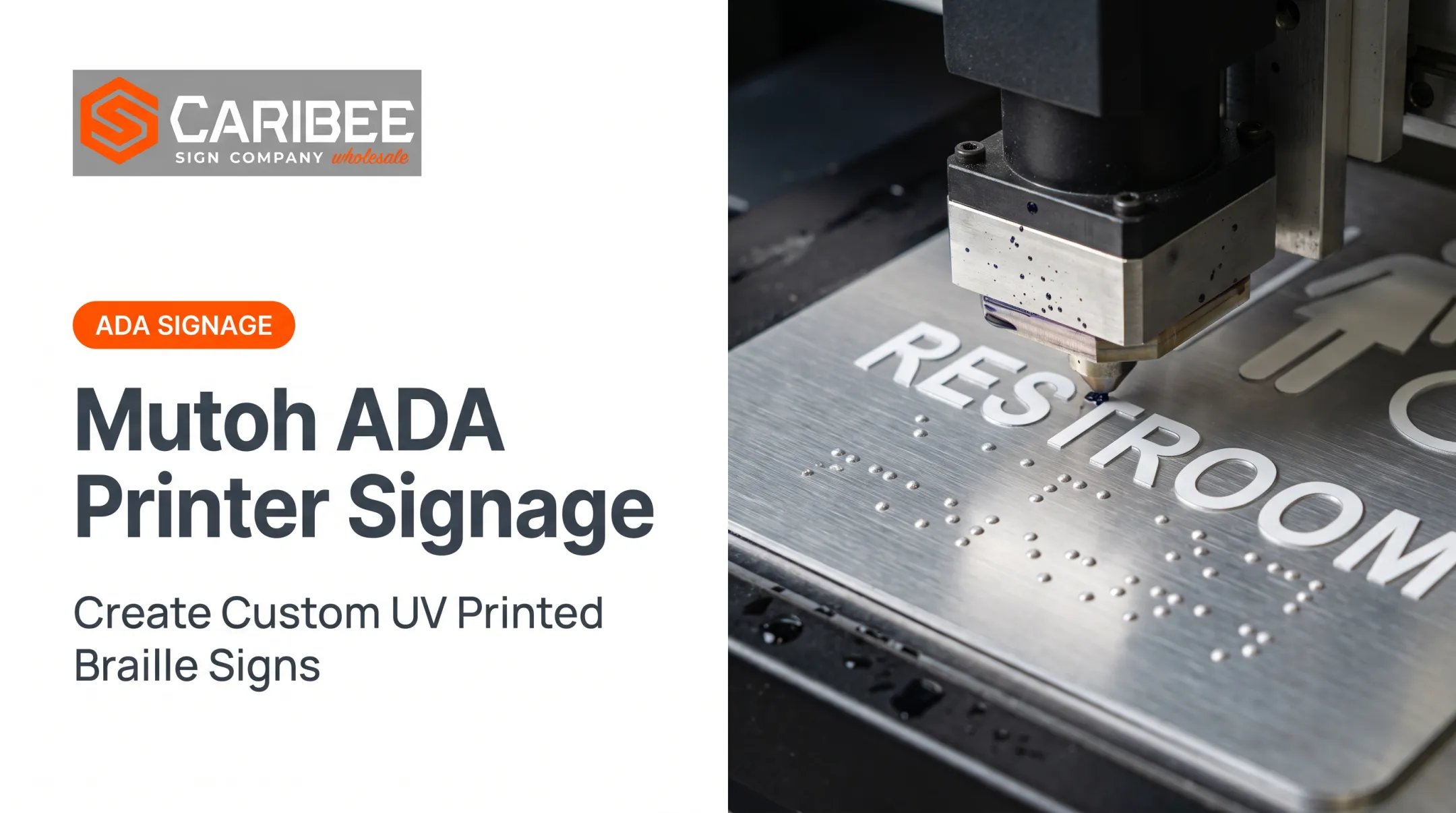
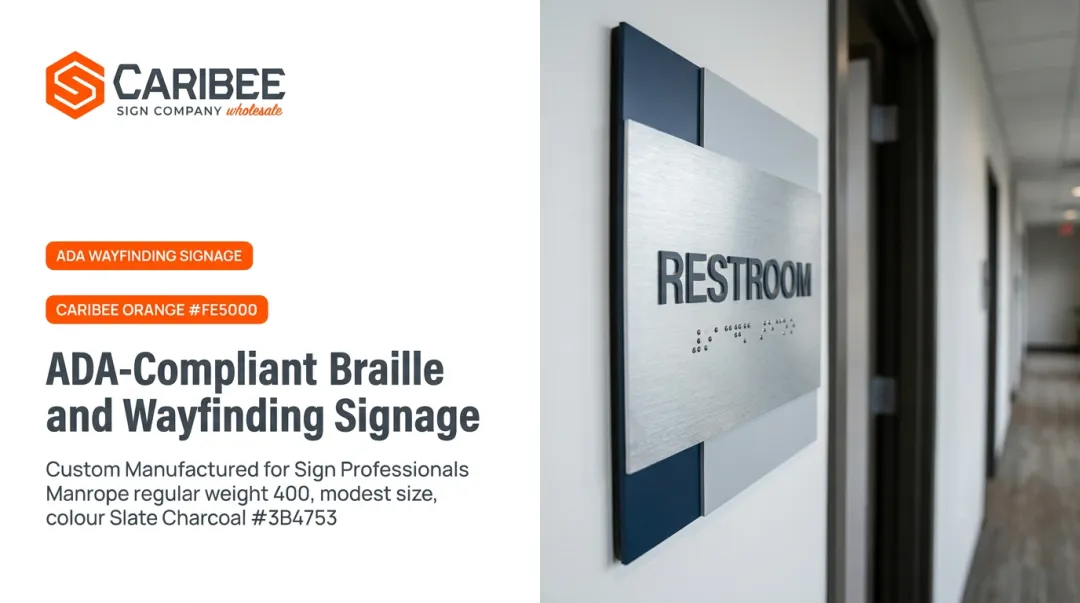
The most common approach for compliant room signage layers flat printed graphics (logos, color fields, branding) with raised, ADA-compliant tactile characters and Grade 2 Braille on the same sign face.
This requires production capabilities most general printers don't have:
- CNC router cutting for precise substrate shaping
- Laser engraving for tactile character formation
- Multiple Braille manufacturing methods for consistent depth and spacing
- Quality control to keep registration between printed graphics and raised elements tight
Caribee Sign, a wholesale ADA sign manufacturer based in St. Louis, Missouri, produces this combination in-house. The team has built more than 1,000 custom ADA signs and brings over 100 years of combined experience.
Sign companies submit artwork with a placeholder marking the Braille location, and the manufacturer translates the copy into proper Grade 2 Braille. That handoff keeps print branding and tactile compliance aligned without the sign company managing two separate production workflows.

Choosing the Right Flat Printed ADA Sign for Your Space
Matching sign type to application starts with one question: is this sign identifying a permanent room, or providing general direction/information?
- Permanent room ID (restrooms, offices, conference rooms) → requires tactile characters and Braille
- Directional/informational (wayfinding, hours, rules) → flat printing alone is fine
- Temporary (7 days or less) → exempt from tactile requirements entirely

Before you lock the design:
- Confirm state or local code additions; federal ADA sets the floor, not the ceiling
- Audit existing signage during renovations for flat-printed-only permanent room IDs, a common inspection and complaint flag
Cost and Where to Source Custom Flat Printed ADA Signs
Pricing for custom flat printed and combination tactile/flat printed signs depends on:
- Material selection (acrylic, aluminum, wood composite, etc.)
- Sign size and design complexity
- Order volume
- Whether tactile/Braille elements are included
Most manufacturers quote per-project rather than publishing a fixed price list, since these variables shift costs significantly. Caribee Sign, for example, provides customized wholesale quotes and typically responds within one business day.
Why work with a dedicated ADA sign manufacturer instead of a general printer?
- Compliance expertise reduces the risk of costly reorders
- In-house production (rather than outsourced tactile fabrication) speeds up turnaround
- Responsive quoting keeps projects moving
Before committing to a full production run, request a design proof or sample. Confirming color accuracy, layout, and compliance details upfront avoids expensive reprints later.
Frequently Asked Questions
What are the requirements for flat printed ADA signs?
Flat printing alone is fine for many informational and directional signs. Permanent room identification signs still need raised characters and Grade 2 Braille with any printed design.
Where can I find custom flat printed ADA signs?
Specialized ADA sign manufacturers, such as Caribee Sign, produce custom flat printed and tactile-compliant signs for trade partners. Send project specs, materials, and artwork through a wholesale quote request to get started.
How much does a custom flat printed ADA sign cost?
Pricing varies based on material, size, order volume, and whether tactile/Braille elements are included. Most manufacturers provide custom quotes rather than fixed pricing.
Can flat printed text alone meet ADA requirements for room signs?
No. Permanent room identification signs require raised tactile characters and Grade 2 Braille in addition to any flat printed graphics or branding.
What materials work best for flat printed ADA signage?
Acrylic suits interiors, aluminum holds up outdoors, and wood composite fits branded hospitality spaces. Choose the material based on environment and durability needs.
How is flat printed signage different from engraved or raised signage?
Flat printed signage applies graphics to the surface with no physical depth. Engraved or raised signage physically cuts or builds up characters, which is required for ADA tactile compliance on permanent room signs.